Audit Logs
The Audit Logs page is a chronological record of important actions and settings changes across your workspace — useful for security reviews, troubleshooting "who changed this?", and accountability. It lives under Settings → Security → Audit Logs (/settings/audit-logs).
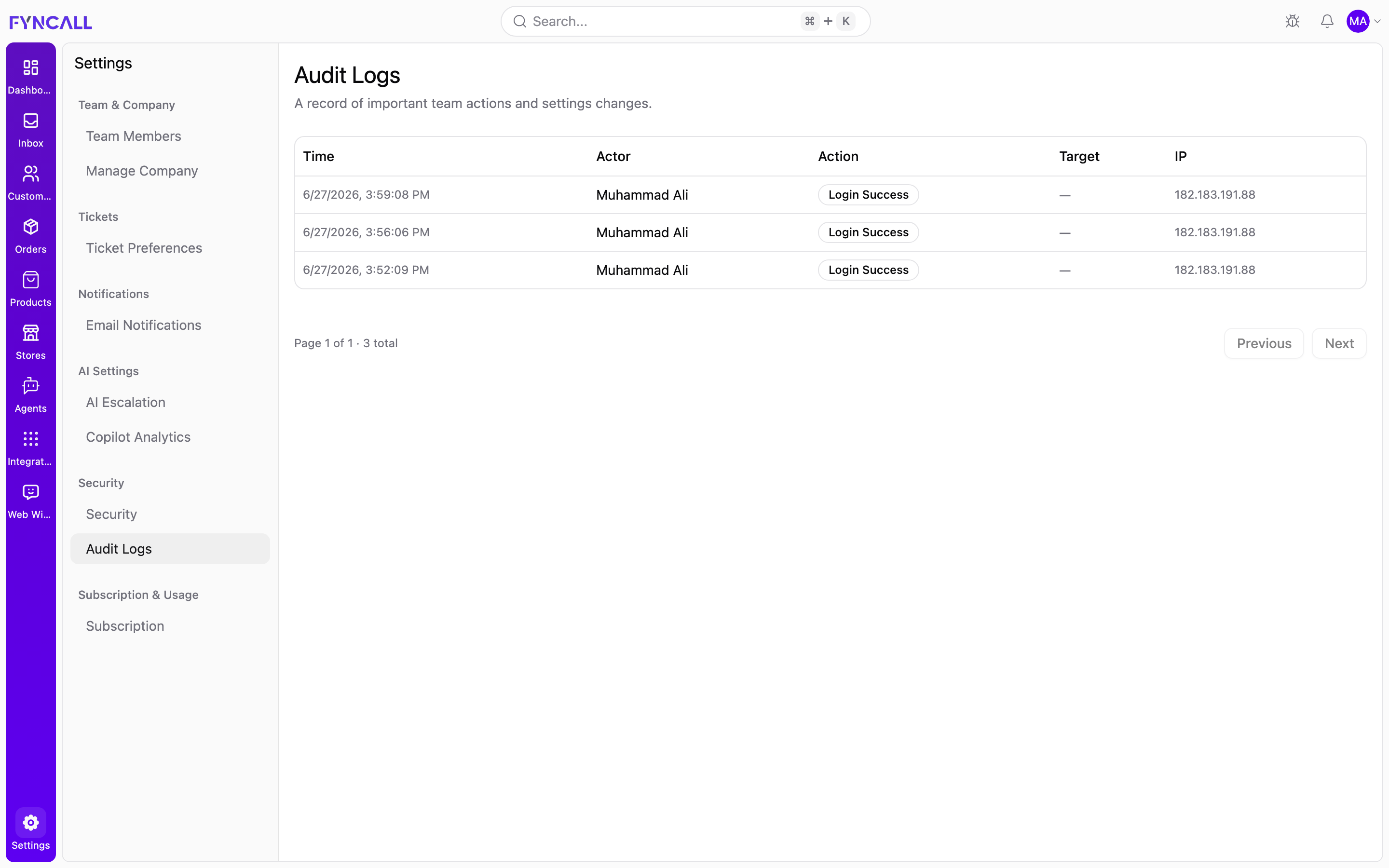
The page description reads: "A record of important team actions and settings changes."
Audit logs are an admin-level view of activity by everyone in the workspace, including the system itself.
The log table
Entries are listed newest-first, with these columns:
| Column | What it shows |
|---|---|
| Time | When the action happened, in your local date and time. |
| Actor | Who performed the action — a team member's name, or System for automated actions. |
| Action | What happened, shown as a readable label (e.g. "Login Success"). |
| Target | The object the action affected, shown as Type #ID when applicable, or — when there's no specific target. |
| IP | The IP address the action came from, or — if not recorded. |
Each log entry also captures a record of field-level changes (old and new values) and additional metadata behind the scenes; the table surfaces the key columns above.
Paging through entries
Logs are shown 20 at a time. Below the table, a status line reads Page X of Y · N total, with Previous and Next buttons to move between pages. The buttons disable automatically at the first and last page.
States
- Loading — placeholder rows appear while the log loads.
- Empty — "No audit activity yet." when nothing has been recorded.
- Error — "Failed to load audit logs." if the log can't be retrieved; refresh to try again.
Audit logs capture significant security and configuration events — for example, successful logins and changes to team and settings. Routine reads (just viewing a page) are not recorded.
For your own account's devices and sessions, see the Security page.